PS5 problem: disk not recognized - How to resolve this problem?
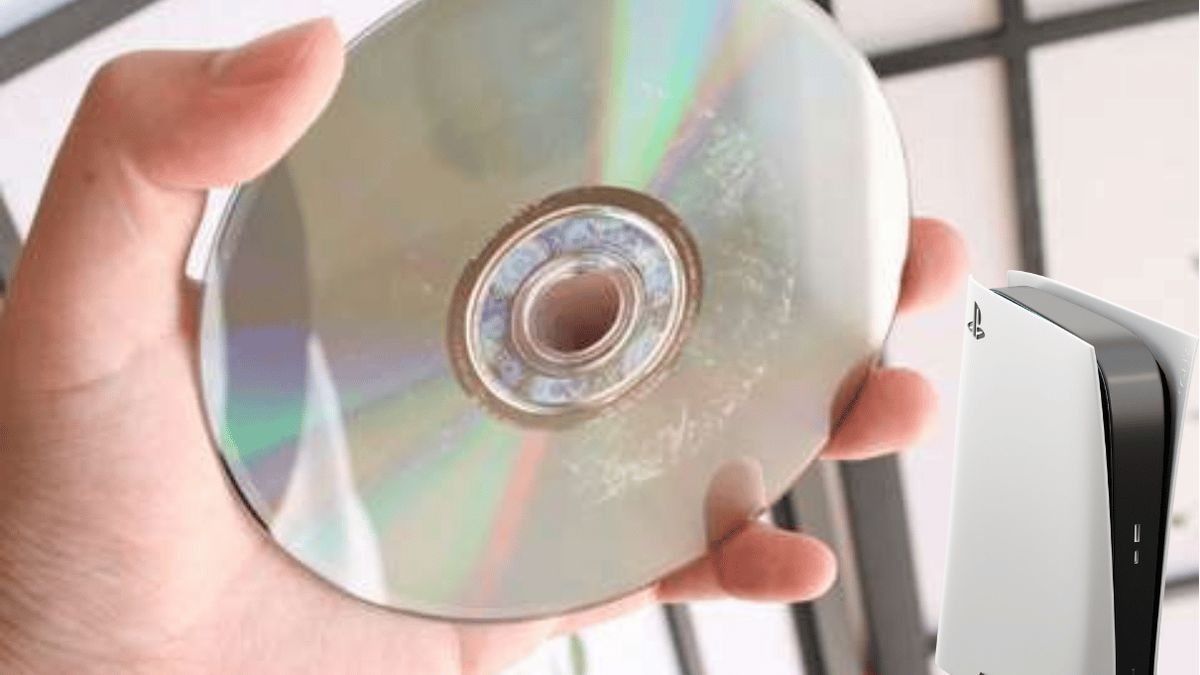
THE PS5 problem Blu-Ray disc playback on the PS5 is recurring.
PLAYSTATION 5 CHEAP “Click on the image”
Disc not recognized on Playstation PS5
Some players have reported error code CE-110538 -8 when trying to insert a game PLAYSTATION PS5 or a movie in their console. Don't panic! This problem and that of PS5 overheating can be easily resolved by following the following steps:- 1) Be certain that there are no fingerprints, smudges or scratches on both sides of the disc you are using to play.
- 2) MICROFIBER type cleaning cloths can clean the disc effectively and without scratching it.
- 3) Insert the disc correctly into the PS5 by being thorough
- 4) If the disc does not work, try another disc to be sure that the problem is not with the playback function of the BLU-RAY player
PLAYSTATION 5 CHEAP “Click on the image”

Articles similaires


PlayStation 5