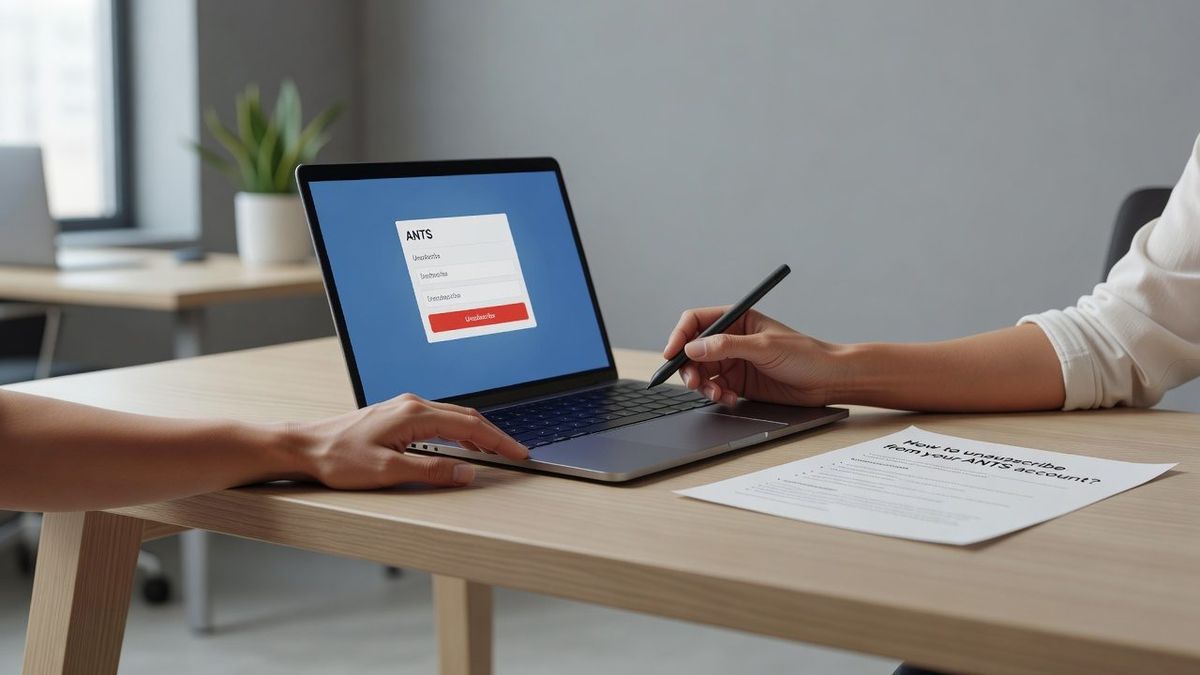
How to unsubscribe from your ANTS account?
|
IN BRIEF
|
Unsubscribing from your ANTS account may be necessary for a variety of reasons, whether to secure your personal information or to discontinue use of ANTS online services. Follow this step-by-step guide to delete your account quickly and efficiently.
Deleting your ANTS account may seem complicated, but it is actually a simple procedure that can be completed in just a few steps. This article will guide you step by step to permanently delete your ANTS account. You will learn how to locate the removal option, confirm your decision, and in some cases, contact ANTS customer service.
Access your ANTS account
The first step to delete your ANTS account is to log in to your account. To do this, go to the website ants.gouv.fr and click on the option My account located at the top right of the home page. If you use FranceConnect, you can also connect via this service.
Locate the delete option
Once connected to your personal space, you must navigate to the section My account. In this section you will find the option Delete my account. This step is crucial because it will allow you to access the process of deleting your account.
Confirm account deletion
After clicking on Delete my account, a confirmation message will appear. This step is essential because it asks you to confirm your desire to permanently delete your ANTS account. Click on Confirm to finalize the procedure.
Contact customer service if necessary
If you are having difficulty deleting your account, or if the delete option is not visible, you can contact ANTS customer service. Check out the General Conditions of Use (CGU) or visit the section Contact us of the site to obtain the necessary contact details.
Additional FAQs and Support
For any additional questions, the section Help & contact of ANTS provides answers to frequently asked questions regarding creating, managing and deleting accounts. This section is useful for troubleshooting common problems and obtaining detailed procedural information.
| Stage | Description |
| 1 | Connect to your ANTS account via FranceConnect or with your ANTS credentials |
| 2 | Click on My Account at the top right of the site |
| 3 | Access the Identity Space page |
| 4 | Click the Edit tab |
| 5 | Select the Delete my account option |
| 6 | Confirm your deletion decision |
| 7 | Check the deletion confirmation by email |
| 8 | Contact ANTS customer service if you encounter any problems |
-
Access your account:
- Click on “My Account” at the top right of the home page.
- Log in with your ANTS credentials or via FranceConnect.
- Click on “My Account” at the top right of the home page.
- Log in with your ANTS credentials or via FranceConnect.
-
Access account options:
- On the “My Account” page, look for the “Delete My Account” option.
- On the “My Account” page, look for the “Delete My Account” option.
-
Confirmation of deletion:
- Click on “Delete my account”.
- Confirm the action when prompted.
- Click on “Delete my account”.
- Confirm the action when prompted.
-
In case of difficulty:
- Contact ANTS customer service for assistance.
- Contact ANTS customer service for assistance.
- Click on “My Account” at the top right of the home page.
- Log in with your ANTS credentials or via FranceConnect.
- On the “My Account” page, look for the “Delete My Account” option.
- Click on “Delete my account”.
- Confirm the action when prompted.
- Contact ANTS customer service for assistance.