How to use Messenger without a Facebook account?
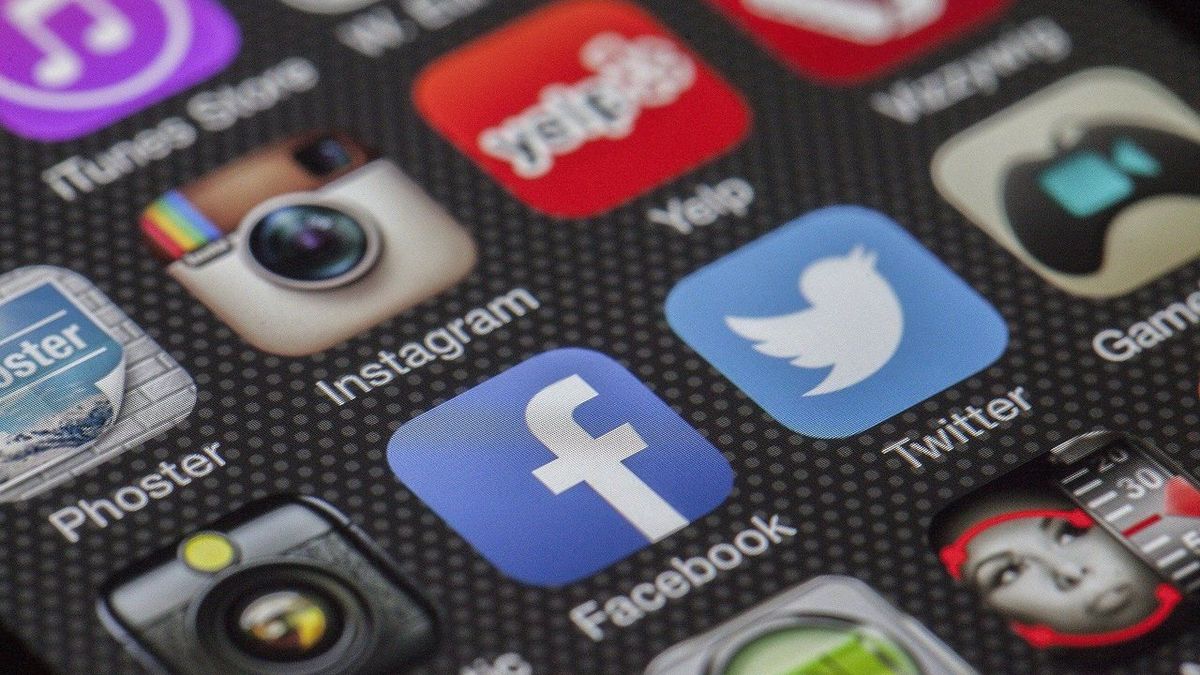
We must not believe that theMessenger app is inseparable from the famous social network Facebook. In fact, even if you do not have a Facebook account, you will still be able to benefit from the services of its instant messaging. Discover these tips to take advantage of this service!
A ban put in place by Mark Zuckerberg
Until now, it was possible to use the Messenger service without necessarily having to have a valid and active Facebook account. However, faced with the decline in activity of the famous social network, Mark Zuckerberg decided to take drastic measures regarding its instant messaging. Recently, the manager of the social network made the decision to make it impossible to use Messenger without a Facebook account. Previously, anyone who wished could use this instant messaging by simply registering with their telephone number. Unfortunately, this is no longer possible at present and you must be a Facebook member if you want to be able to communicate in real time with your friends. However, it is possible to circumvent this ban by following the tips that follow in this article. Also read: KBIS: how to easily obtain your company’s identity document?Use Messenger without an active Facebook account
If you don't want to have to use Facebook in order to benefit from Messenger services, know that despite everything, it is possible. You may have decided to detoxify yourself from social networks but, while keeping in touch with your friends and loved ones. Thanks to a Facebook account disabled, you will therefore be able to enjoy Messenger without restriction. To do this, you will of course have to remember your identifiers because you will be asked for them when you register for Messenger.Steps to use Messenger with an inactive Facebook account
Here are the steps to follow to be able to use Messenger without having to reactivate your Facebook account. You will first need to download theMessenger app on your phone or tablet by going to your application store. You will need to install it by entering the credentials of your Inactive Facebook account. You will also need to indicate if you want Messenger to synchronize the contacts in your directory so that you can easily find them in the application. If you don't want to, you will have to enter them manually in order to be able to communicate with them. Please note that these steps will also be valid if you have deleted your Facebook account. Despite the fact that it is deleted, it still exists in the social network database and you will be able to use it to access Messenger. Also read: CDP or DMP: Which one to choose? And why?How to deactivate a Facebook account?
To take advantage of Messenger without being active on Facebook, you will need to know how to deactivate your account. Here are the different steps to follow to make your Facebook account inactive:- Click on your main profile, at the top right of Facebook
- Select the “Settings & Privacy” option and click Settings
- Click on the “Your Facebook information” option located in the left column
- Click on “Deactivation and deletion”
- Select the “Deactivate Account” option, then click “Continue with Account Deactivation.” You will then just have to follow the instructions in order to be able to confirm your operation
Articles similaires

Practical life
How to use a Hookah for the first time?
Practical life
Identity card renewal: why it is so important
Practical life